You can associate valid values (published codesets) to a business term. This enables you to maintain standard codes for business terms across the organization.
To assign valid values, follow these steps:
- On the Compact View tab, click
 . Then, click
  .
.
Alternatively, on the Grid View tab, under the Options column, click.
The business term opens in edit mode. - Click the Valid Values tab.
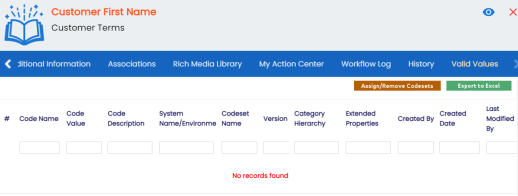
- Click Assign/Remove Codesets.
The Published Codesets page appears.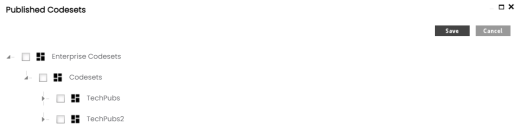
- Select codesets.
- Click Save.
The selected codesets are associated with the business term and are added to the Valid Values list.
To export the list of valid values, click Export to Excel.